

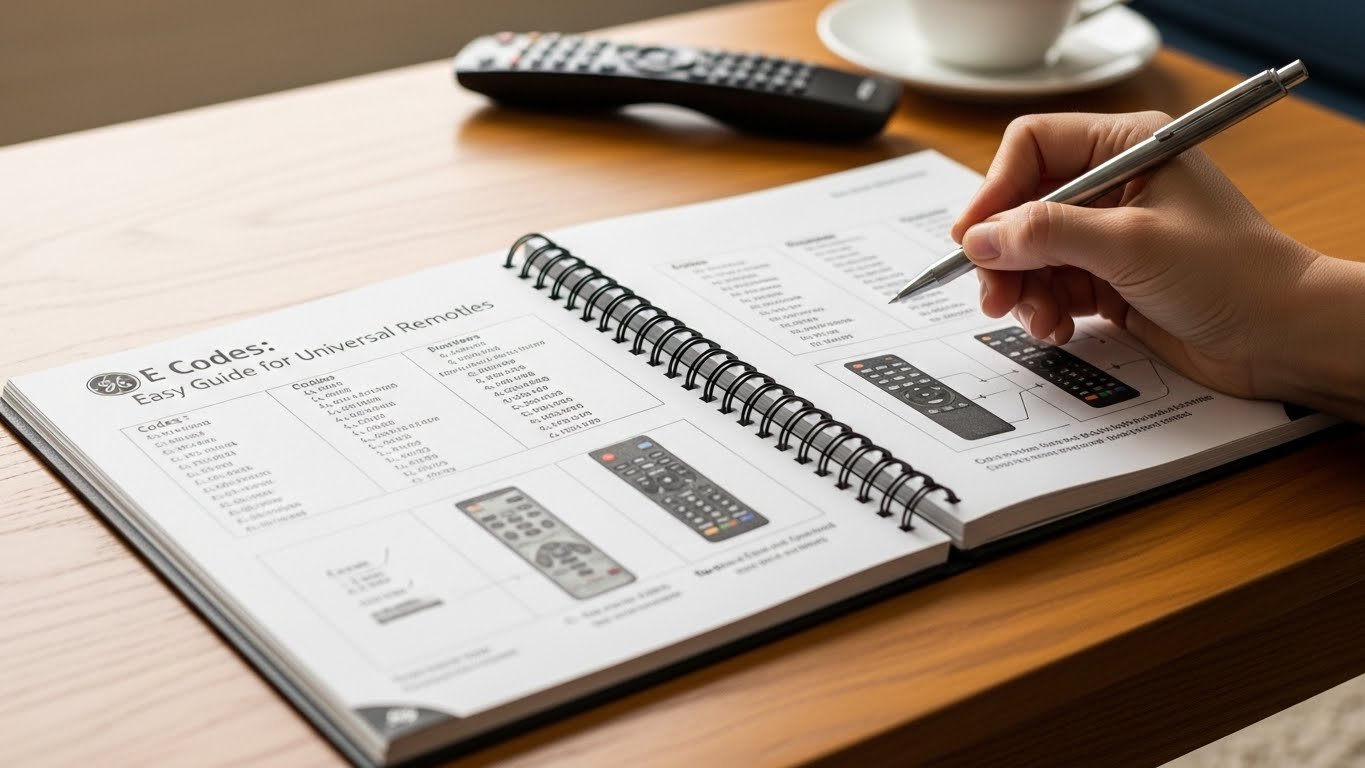
Universal remotes have made home entertainment much simpler, and GE universal remotes are among the most popular choices worldwide. Instead of using multiple remotes for your TV, DVD player, sound system, or streaming device, a single GE remote can control them all. The key to making this work lies in GE codes.
This easy guide explains what GE codes are, why they matter, how to find the right code, and step-by-step methods to program your GE universal remote without confusion.
What Are GE Codes?
GE codes are special numeric combinations used to program a GE universal remote so it can communicate with a specific device brand and model. Each electronic device—such as a TV, DVD player, cable box, or soundbar—has its own set of infrared (IR) signals. GE codes tell the remote which signal language to use.
Without entering the correct GE code, the remote cannot properly control the device.
Why GE Codes Are Important
GE codes are essential because they:
-
Allow one remote to control multiple devices
-
Eliminate the need for original remotes
-
Make home entertainment setups cleaner and simpler
-
Support thousands of brands and models
-
Save time and reduce frustration
Whether you’ve lost your original remote or want fewer remotes on your table, GE codes provide a practical solution.
Devices That Use GE Codes
GE universal remotes support a wide range of electronics, including:
-
Televisions (LED, LCD, Smart TVs)
-
DVD and Blu-ray players
-
Cable and satellite boxes
-
Streaming devices (Roku, Fire TV, Apple TV)
-
Soundbars and audio systems
-
VCRs (older models)
Each device type has its own category of GE codes.
Where to Find GE Codes
You can find GE codes from several reliable sources:
1. GE Remote Manual
The instruction manual included with your remote contains brand-wise code lists. If you still have it, this is the fastest option.
2. GE Official Website
GE provides updated code lists online for different remote models.
3. Inside the Battery Compartment
Some GE remotes include a small printed code list inside the battery cover.
4. Online Code Databases
Many tech support websites publish complete GE code lists for TVs, DVD players, and other devices.
Types of GE Remote Programming Methods
There are three main ways to program a GE universal remote:
-
Direct Code Entry
-
Auto Code Search
-
Manual Code Search
Let’s explore each method in detail.
Method 1: Direct Code Entry (Recommended)
This is the easiest and fastest way if you already know the correct GE code.
Steps:
-
Turn on the device you want to control (TV, DVD, etc.)
-
Press and hold the SETUP button until the red light stays on
-
Press the device button (TV, DVD, AUX)
-
Enter the GE code using the number keys
-
The red light turns off if the code is accepted
-
Test the remote by pressing POWER or VOLUME
If the device responds, programming is successful.
Method 2: Auto Code Search (No Code Needed)
If you don’t know the code, the remote can search automatically.
Steps:
-
Turn on the device
-
Press and hold SETUP until the light stays on
-
Press the device button
-
Point the remote at the device
-
Press and release POWER repeatedly
-
Stop when the device turns off
-
Press ENTER to save the code
This method may take time, but it works for most devices.
Method 3: Manual Code Search
This method cycles through all stored codes one by one.
Steps:
-
Turn on the device
-
Hold SETUP until the light remains on
-
Press the device button
-
Press POWER slowly every few seconds
-
When the device turns off, press ENTER
This method is useful for older or less common brands.
Common GE TV Codes (Examples)
Here are some commonly used GE TV codes:
-
Samsung: 0101, 0812, 0702
-
LG: 0001, 0178, 0081
-
Sony: 0000, 0834
-
TCL: 6171, 5961
-
Hisense: 3519, 0073
-
Panasonic: 0051, 0250
Note: Codes may vary by remote model.
How to Know If a GE Code Is Working
A working GE code will allow you to:
-
Turn the device on and off
-
Adjust volume
-
Change channels
-
Access menu options
If some buttons work but others don’t, try another code from the list for better compatibility.
Troubleshooting GE Codes
If your GE remote isn’t working properly, try these fixes:
Remote Not Responding
-
Replace old batteries
-
Ensure the remote is pointed directly at the device
-
Remove any obstacles blocking the sensor
Code Not Working
-
Try another code for the same brand
-
Use auto code search
-
Reset the remote and reprogram
Partial Functionality
-
Some codes only support basic functions
-
Try alternate codes for full control
How to Reset a GE Universal Remote
Resetting can solve many programming issues.
Steps:
-
Remove the batteries
-
Press and hold POWER for 10 seconds
-
Reinsert fresh batteries
-
Reprogram the remote using GE codes
Tips for Successful Programming
-
Always use fresh batteries
-
Enter codes slowly and accurately
-
Keep the device turned on during setup
-
Try multiple codes if needed
-
Save the working code for future use
These small steps can save a lot of time.
Advantages of Using GE Universal Remotes
Using GE codes with a universal remote offers many benefits:
-
Affordable alternative to smart remotes
-
Simple setup process
-
Wide brand compatibility
-
Durable and reliable design
-
Ideal for homes, offices, and hotels
GE remotes are especially useful for users who want functionality without complexity.
GE Codes vs Smart App Remotes
While smartphone apps can control smart TVs, GE remotes still have advantages:
-
No internet required
-
Works with older devices
-
Physical buttons for easy use
-
No battery drain on phones
For many users, GE codes remain a practical and dependable solution.
Frequently Asked Questions (FAQs)
Can one GE remote control multiple devices?
Yes, GE remotes can control up to four devices depending on the model.
Do GE codes work for smart TVs?
Yes, most smart TVs are supported, though some advanced features may not work.
What if my brand isn’t listed?
Use the auto code search method to find a compatible code.
Are GE codes universal?
They are universal within GE remote models, but codes may vary by remote version.
Final Thoughts
GE Codes: Easy Guide for Universal Remotes shows that programming a GE remote doesn’t have to be complicated. With the right code or search method, you can quickly control your TV, sound system, and other devices using one simple remote.
Whether you are setting up a new device, replacing a lost remote, or simplifying your entertainment system, GE codes offer a reliable and user-friendly solution. By following the steps in this guide, anyone—from beginners to experienced users—can program their GE universal remote with confidence.